Unofficial community project
Your BYD app.
Your language.
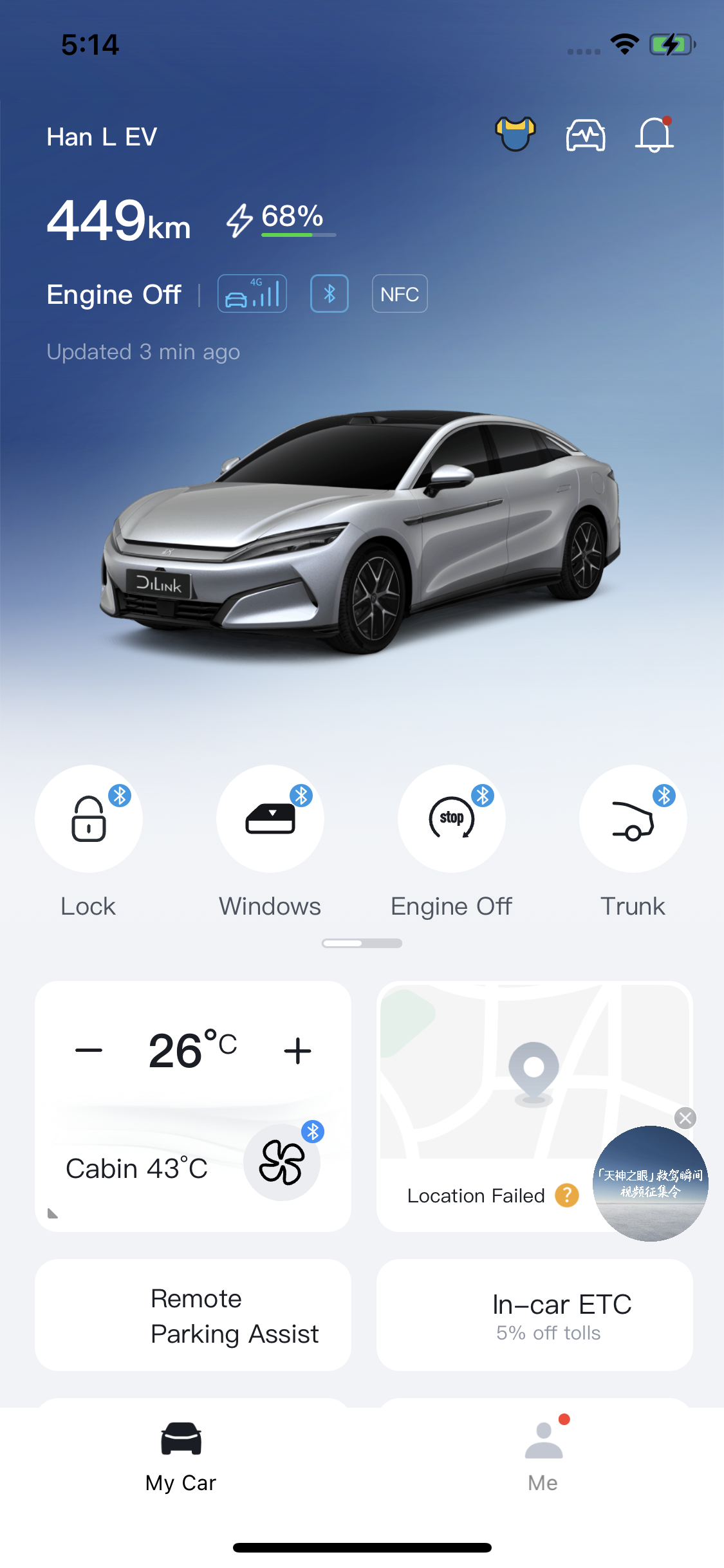
The Chinese BYD iPhone app in English, Arabic, Russian, Spanish and Simplified Chinese. Includes translation updates, customizable bottom tabs, widgets and optional Walk-up unlock. Spanish remains a draft; Simplified Chinese preserves the original text.
AltStore Classic must already be installed and configured. Open this page in Safari on your iPhone. Initial setup requires a Mac or Windows computer and your own Apple account. New to AltStore? Start here.
Get release updates
Subscribe to our Telegram channel and turn on notifications to hear when a new version is released.
New in Revision 6: languages and translation updates
Adds Spanish and Simplified Chinese, signed translation downloads, and fixes for settings rows, dialogs and Home Screen shortcut titles. Open Settings → Translations for manual updates. Automatic updates default off; fully close and reopen BYD to apply downloads.
Choose Keep App Extensions when installing. Open BYD for about 30 seconds after updating, then add widgets from the gallery. Widgets follow your selected language, but their translations currently update with the IPA.
BYD includes four widget extensions: the app and extensions use five App IDs in total. Check available IDs in AltStore → My Apps → View App IDs. AltStore explains the App ID limit.
Walk-up unlock · optional beta
Open Me → Settings → Walk-up unlock. Unlock as you approach and optionally lock when walking away, using your already activated BYD Bluetooth key. Automatic actions, location support, movement hints and test recording are off by default for new users. Private testers retain their saved settings.
- Confirm BYD’s normal Bluetooth Lock/Unlock works. Open Choose your distances, measure both positions with your phone where you normally carry it, then save. Automatic actions are paused while calibration is open.
- Enable Walk-up unlock and optionally Lock when walking away. Start away from the car, approach, then walk away and check what the car actually does. Calibrate every phone separately.
- For locked-screen use, open Background detection → Location support, follow the permission prompts and use Allow background location when offered. Movement hints is optional and requests Motion & Fitness. Reopen BYD after a phone restart or force-closing the app.
Background support may increase battery use; uninterrupted or overnight operation is not guaranteed. This feature processes location on the phone and does not save or upload coordinates. Other BYD location features have their own settings.
Known XS issue: one iPhone XS produced inconsistent signal readings, with an unintended indoor unlock reported during earlier testing. The inconsistent readings persisted after updating to iOS 18.7.10. The cause is unresolved; a hardware fault is not established. If near/far readings overlap or unintended actions occur, turn Walk-up unlock off and report it.
For feedback, enable Test logs before testing, mark important moments and export afterward. Include your phone/iOS, vehicle model, thresholds, screen state and actual car response. Review logs before sharing publicly.
Report walk-up behaviorInside the app
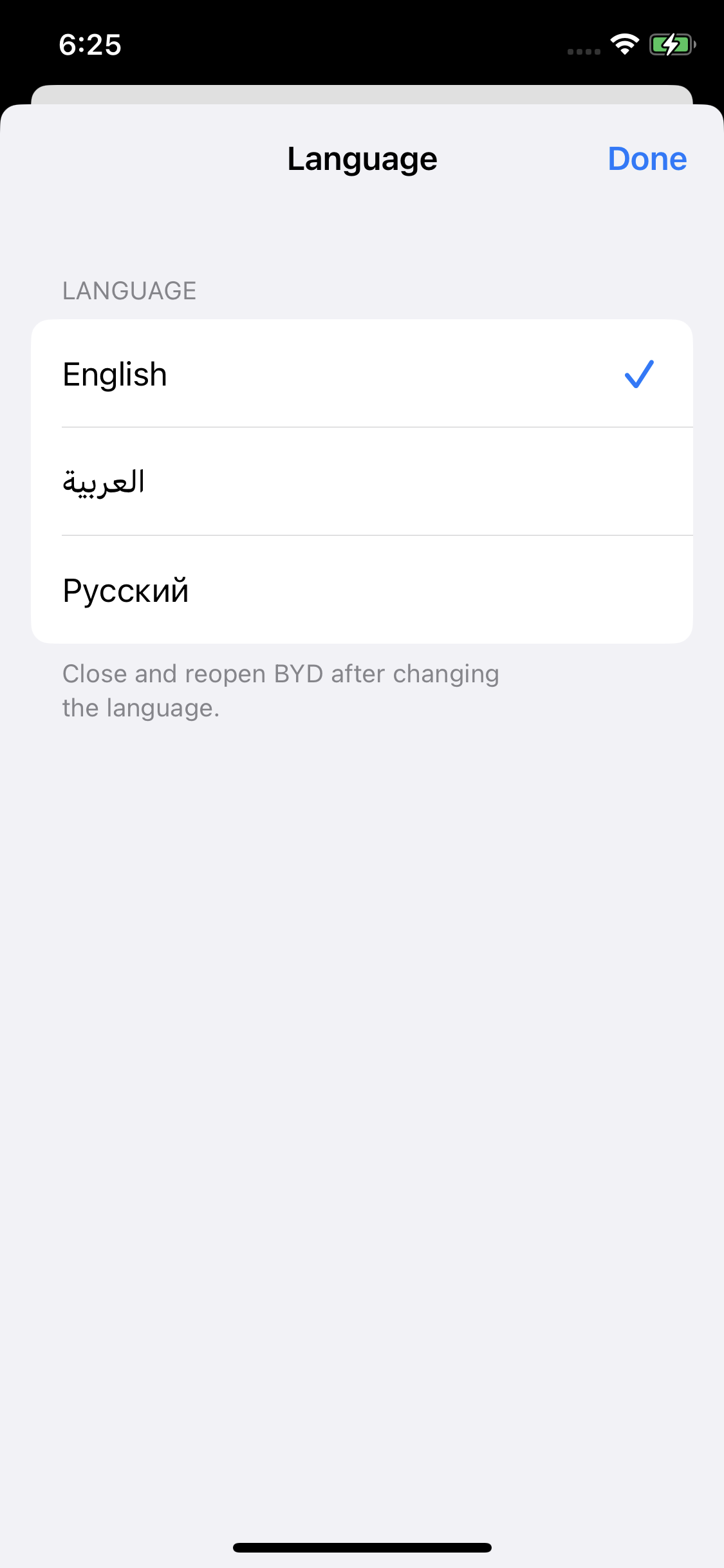
Actual iPhone screenshots from earlier versions. Tap an image to view it full size.
1. Set up AltStore Classic
Already have AltStore Classic? Continue to the next step. Otherwise, install AltServer on your computer and use it to install AltStore Classic on your iPhone. Use your own Apple account; no paid developer membership is required. Enable Developer Mode on iOS 16 or later.
The videos explain AltStore setup. Screens and steps may differ by version; use the current official guides if needed: macOS guide · Windows guide.
2. Install BYD or update
- Tap Add to AltStore Classic above and confirm adding the source.
- Find BYD Localized in AltStore, review permissions and install with your own Apple account. When AltStore asks, choose Keep App Extensions.
- Open BYD and sign in to your own BYD account. Go to Me → Settings to choose your language and bottom tabs.
Already installed? Refresh the source in AltStore, then choose Update for BYD under My Apps. Look for 9.16.0 · Revision 6. Keep your existing app and use the same Apple account to preserve its local data.
Keep AltServer running and reachable over the same Wi-Fi network or USB when installing, updating or refreshing. With a free Apple account, refresh both AltStore and BYD before their seven-day signing period expires. The download is about 351 MB; speed depends on your connection to GitHub. Read the full guide.
Installing with Impactor
Import the IPA into Impactor, keep Name as BYD and retain all widget extensions. Sign and install with your own Apple account.
If you see Developer API error 35 about a missing appIdName, set Name to BYD and retry with the same IPA. Keep the default identifier and app-group handling. Downloading an IPA alone does not install it. Read the Impactor instructions.
Make it yours
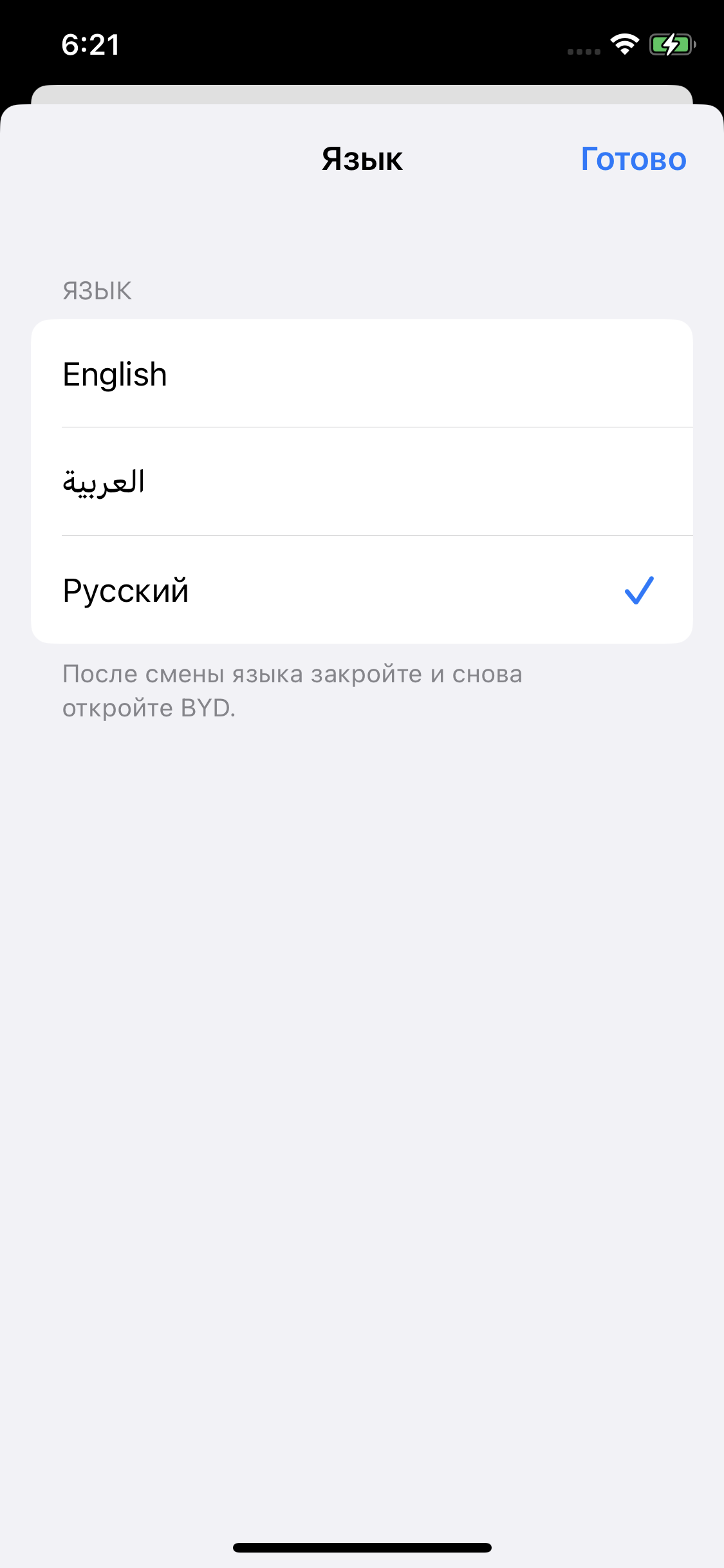
- Choose English, Arabic, Russian, Spanish or Simplified Chinese in Settings.
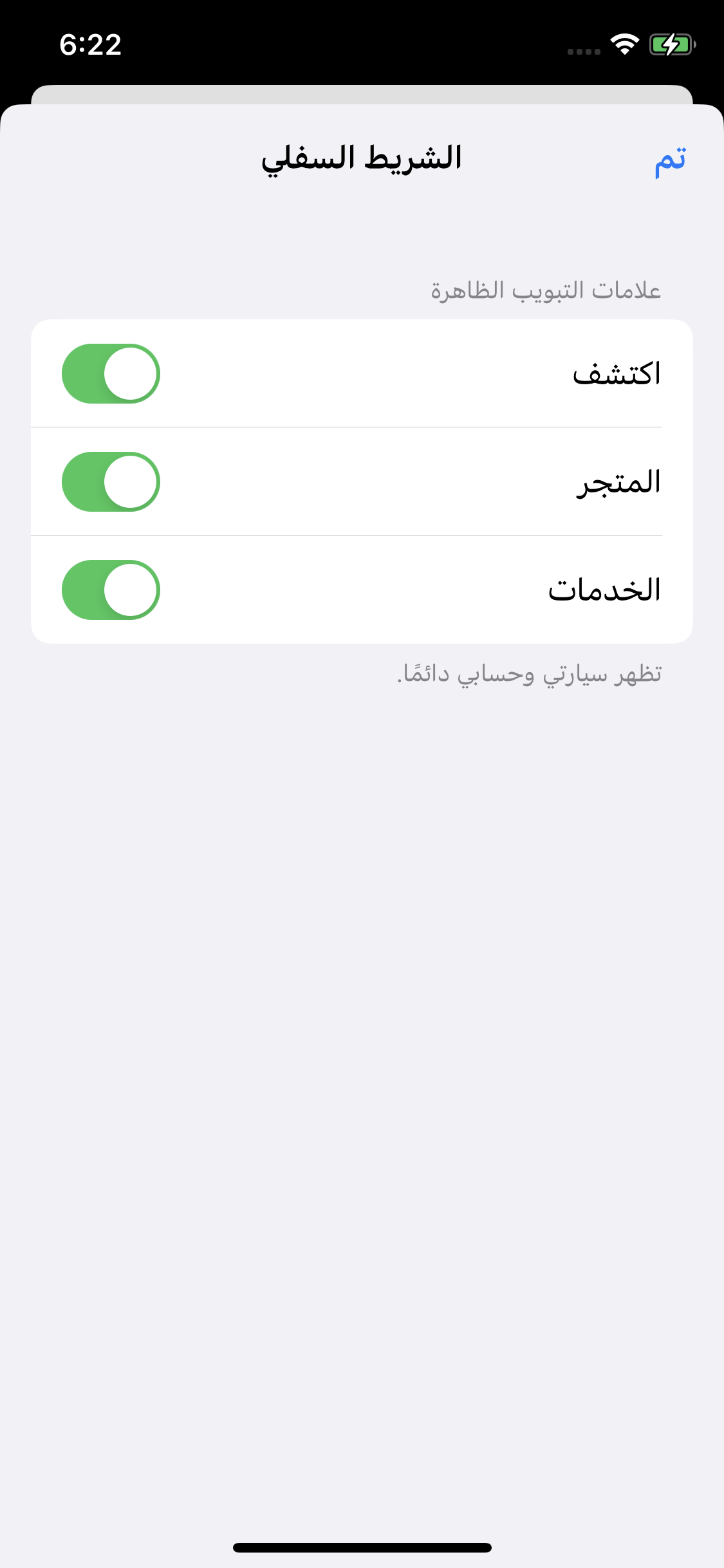
- Hide Discover, Mall and Service individually.
- Find My Car by its original car icon.
- Optional Walk-up unlock and walk-away locking with calibration and local test logs.
- Localized Home Screen and Lock Screen widgets.
Fully close and reopen BYD after changing language or downloading translations. Tab visibility changes immediately; My Car and Me remain available.
Public beta · Revision 6
Signed translation updates passed on iPhone X and Android. The Home Screen shortcut adapter passed 145 checks using real UIKit objects, alongside the existing regression checks. The exact production IPA still needs installation verification on a non-jailbroken iPhone.
Requires iOS 15 or later. Spanish remains a draft; some Chinese artwork and live content remain. Widget translations stay bundled with the app. The reported XS proximity issue remains unresolved; the profile page may be blank.
Report a problemOur supporters
Thank you to the communities supporting this project.