
Unofficial community project
Your BYD app.
Your language.
BYD Android now includes Spanish and Simplified Chinese alongside English, Arabic and Russian. Download translations from Settings, customize bottom tabs and retain existing optional Walk-up features. Spanish remains a draft.
Free download · Direct APK installation · No root required
Already using a compatible build from this project? Install the update over it. If you have the original BYD app, uninstall it first.
Get release updates
Subscribe to our Telegram channel and turn on notifications to hear when a new version is released.
Inside the app
Screenshots supplied by the maintainer. Tap an image to view it full size.
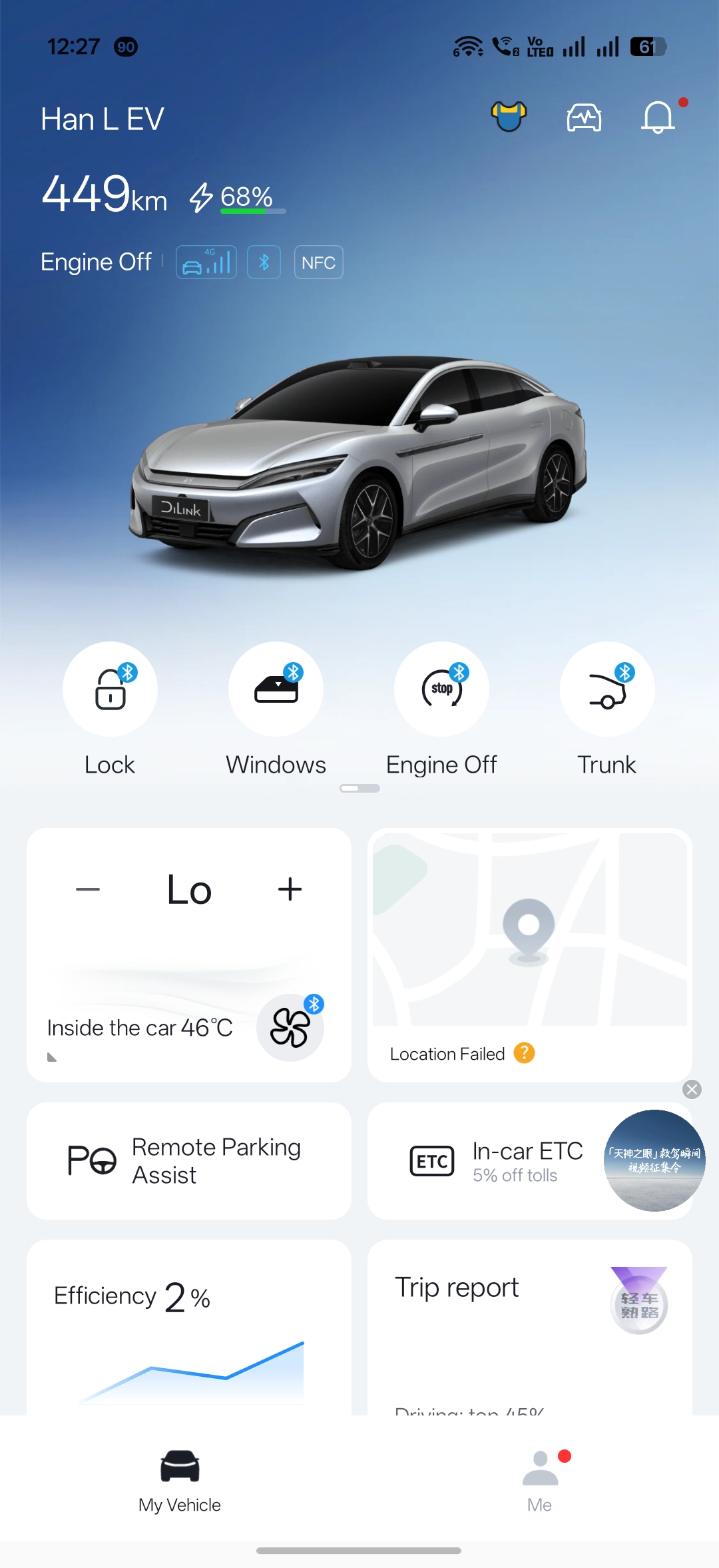
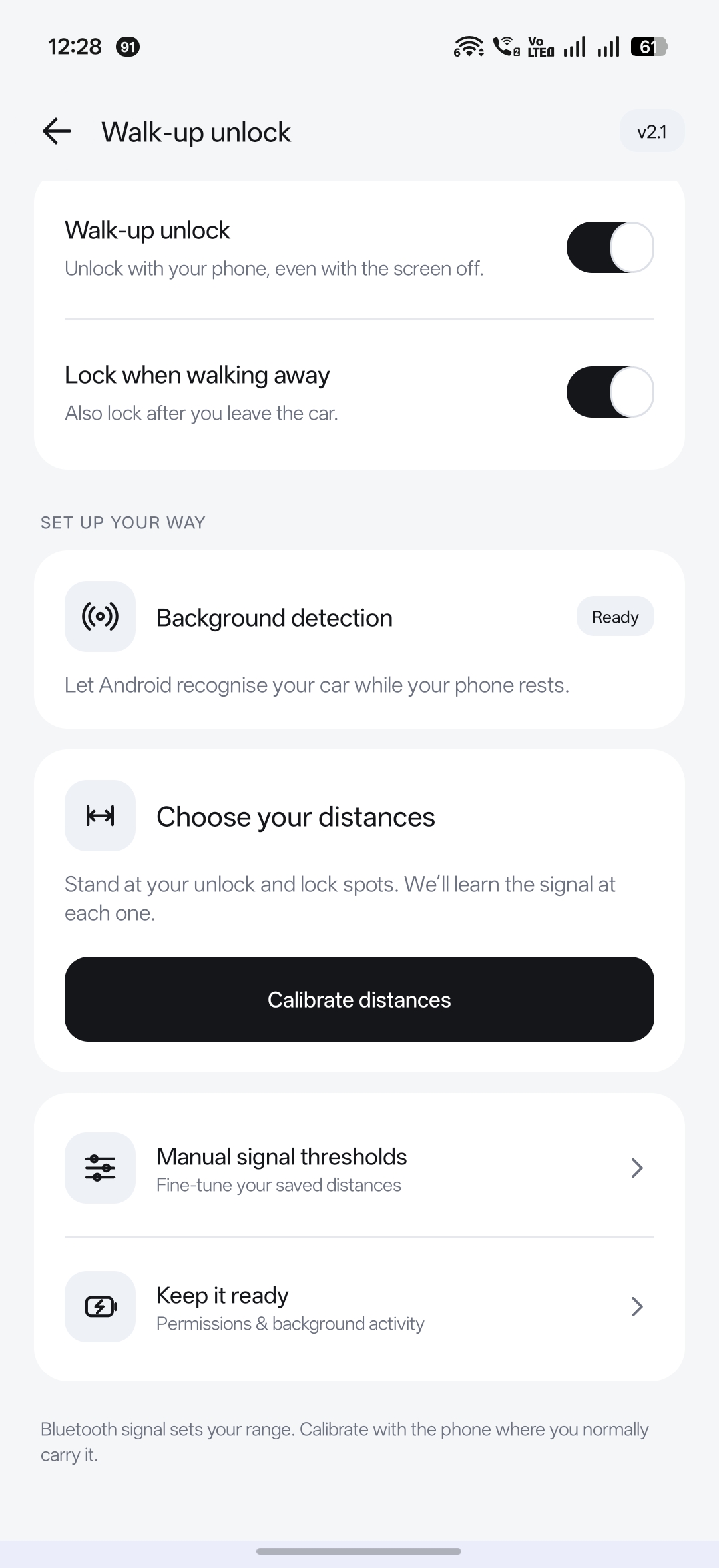
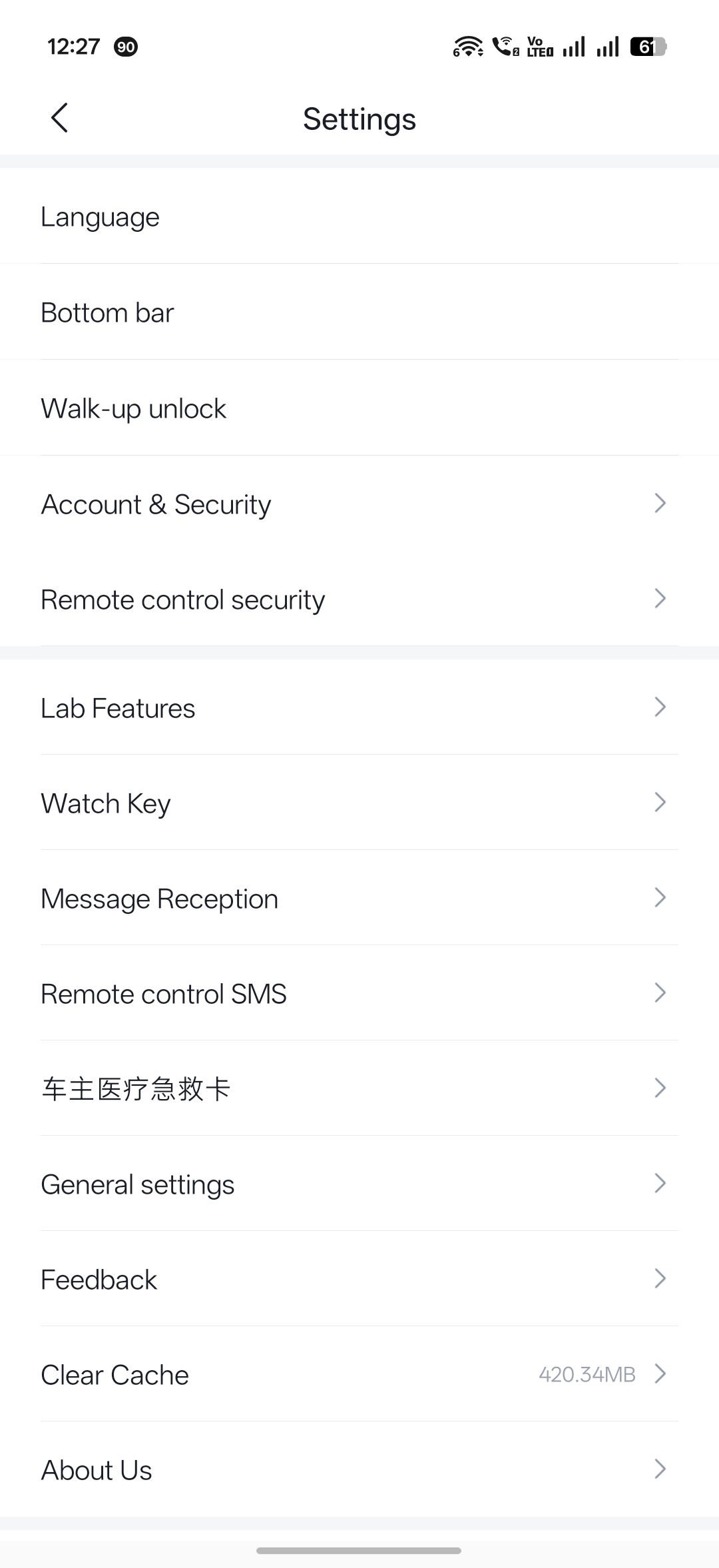
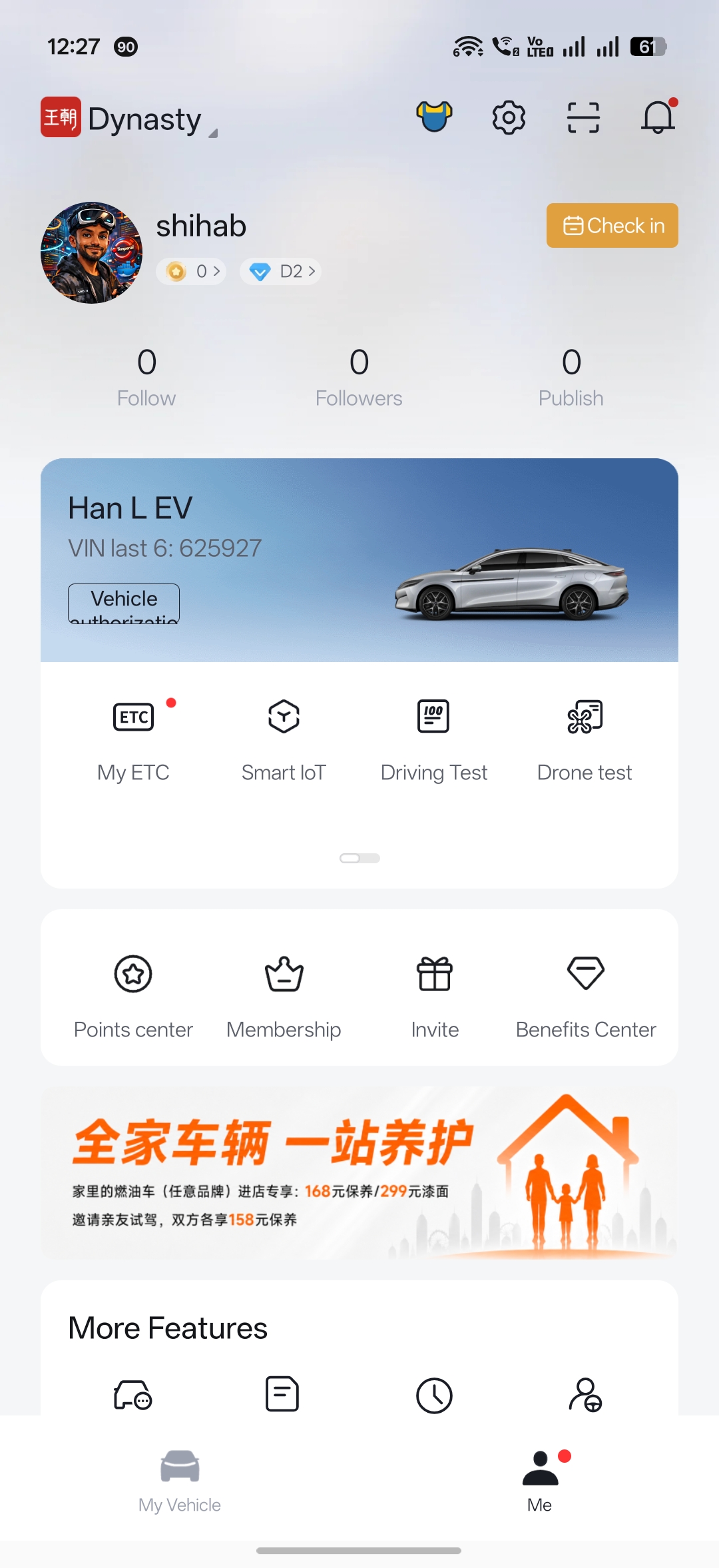
1. Install or update
- Download the APK on your Android phone and open the downloaded file.
- If Android asks, allow this browser or file manager to install apps, then follow the installer.
- Open BYD and sign in to your own account. Go to Me → Settings to choose your language and bottom tabs.
Updating a compatible project build? Keep the app and install over it to retain local settings. This release uses the same signing key. You may need to sign in again.
Using the original BYD app? Uninstall it before installing this APK because the signing keys differ. Uninstalling removes its local data; you may need to sign in and set up your Bluetooth key again.
2. Set up Walk-up unlock
- Confirm that your existing BYD Bluetooth key can lock and unlock your car manually.
- Open Me → Settings → Walk-up unlock and enable the feature. Allow nearby-device access and keep Bluetooth on.
- Open Background detection and follow the instructions for your key. Supported fixed-address keys use Android’s one-time car detection setup; keys with changing addresses use broadcast detection.
- Tap Calibrate distances. Measure your unlock and lock positions with the phone where you normally carry it, then save.
- Enable Lock when walking away if you want automatic locking. Use Keep it ready for your phone’s background activity settings.
Manual thresholds remain available. Calibration pauses automatic commands. Signal strength varies with pockets and surroundings; it measures signal, not an exact distance in metres.
What’s in this release
- English, Arabic, Russian, Spanish and original-text Simplified Chinese mode.
- Signed translation packs with independent manual downloads; automatic updates default off. Fully close and reopen BYD to apply.
- Redesigned Translations panel with proper Arabic RTL layout and last-check timestamps in the selected language.
- Translation fixes including OTP resend messages, while preserving existing Walk-up, Bluetooth and Surround View behavior.
- Distance calibration, optional walk-away locking and bottom-tab customization retained; the Walk-up feature version is unchanged.
Compatibility & feedback
Use a 64-bit ARM Android phone. The added Bluetooth detection uses Android 8+ APIs; Android Companion detection requires Android 12+ and device support. A working BYD Bluetooth key is required for automatic unlocking.
Spanish remains a draft. Some live content and artwork remain Chinese. Background behavior and available features vary by phone and car. Reopen BYD after force-stopping it to resume detection. Camera startup depends on the vehicle and BYD service.
Something not working? Include your phone, Android version, car model, app version and steps to reproduce. Remove account details, VINs and locations from screenshots or logs.
Report a problemOur supporters
Thank you to the communities supporting this project.