 DiPlayIndependent community project
Your iPhone.
At home in your car.
Maps, music and conversations on your car display. DiPlay brings wired and wireless CarPlay to compatible Android head units, with the familiar DiAuto interface.
No jailbreak, dongle, account or authentication server required.
Install on the car, not the iPhone. Wireless requires Android 10 or later and working Wi-Fi Direct. Compatibility depends on the head unit, firmware and iOS version.
A familiar drive
Install on your car
- While parked, download the APK and install it using the method supported by your head unit.
- Open DiPlay and allow the requested Bluetooth, Wi-Fi/location and microphone permissions.
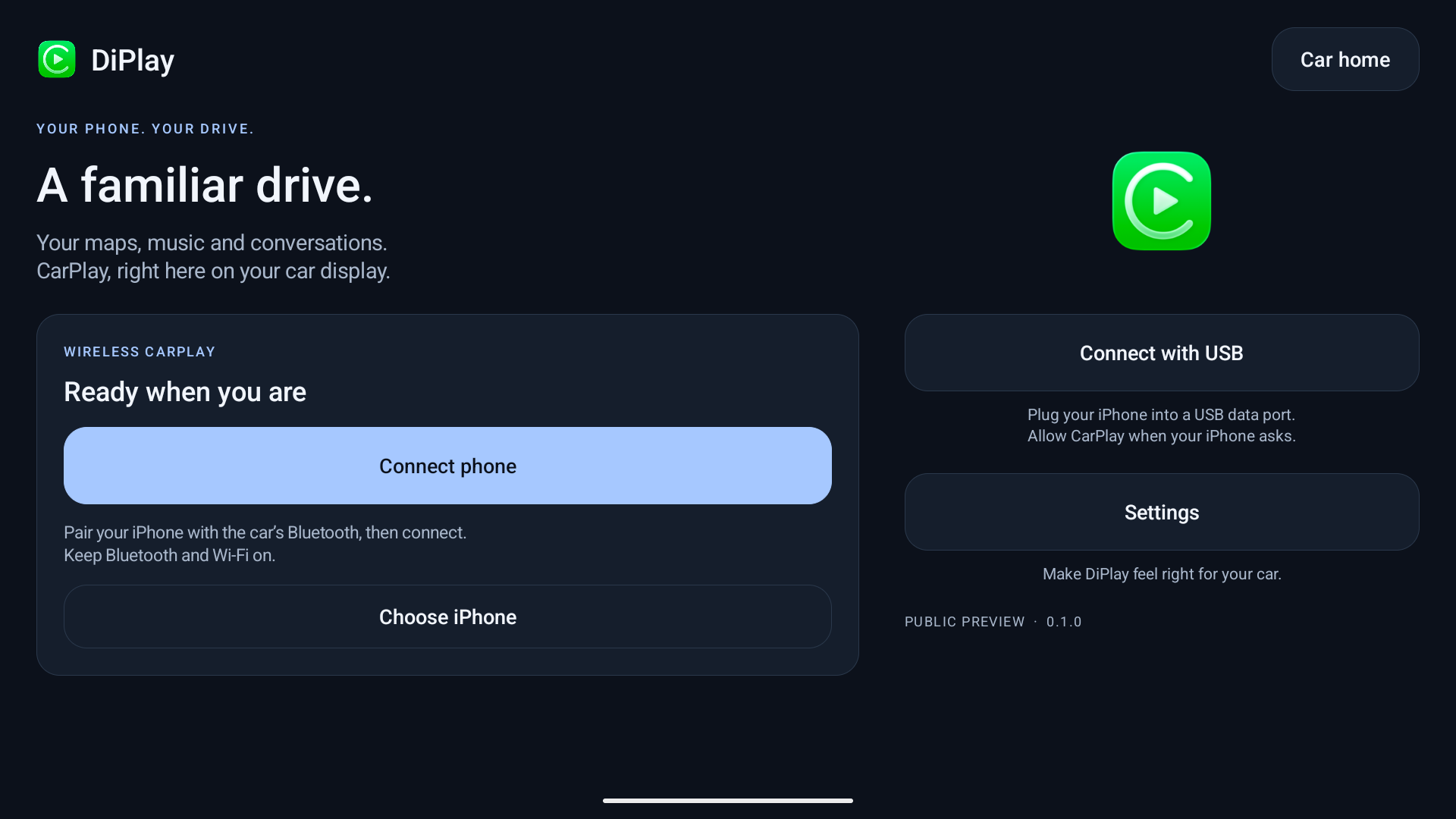
- Pair your iPhone in the car’s Bluetooth settings. Keep Bluetooth and Wi-Fi on, choose Connect phone, select your paired iPhone and allow CarPlay on the phone.
- For wired use, connect a USB data cable and choose Connect with USB. Approve any USB, Trust or local VPN prompts.
ADB is not required for everyday use. APK installation options depend on the car. No manual MAC address entry.
Installation & connection help ↗In this release
- Wired and wireless CarPlay with local authentication.
- 5 GHz preference, fixed-channel 2.4 GHz fallback and remembered successful configurations.
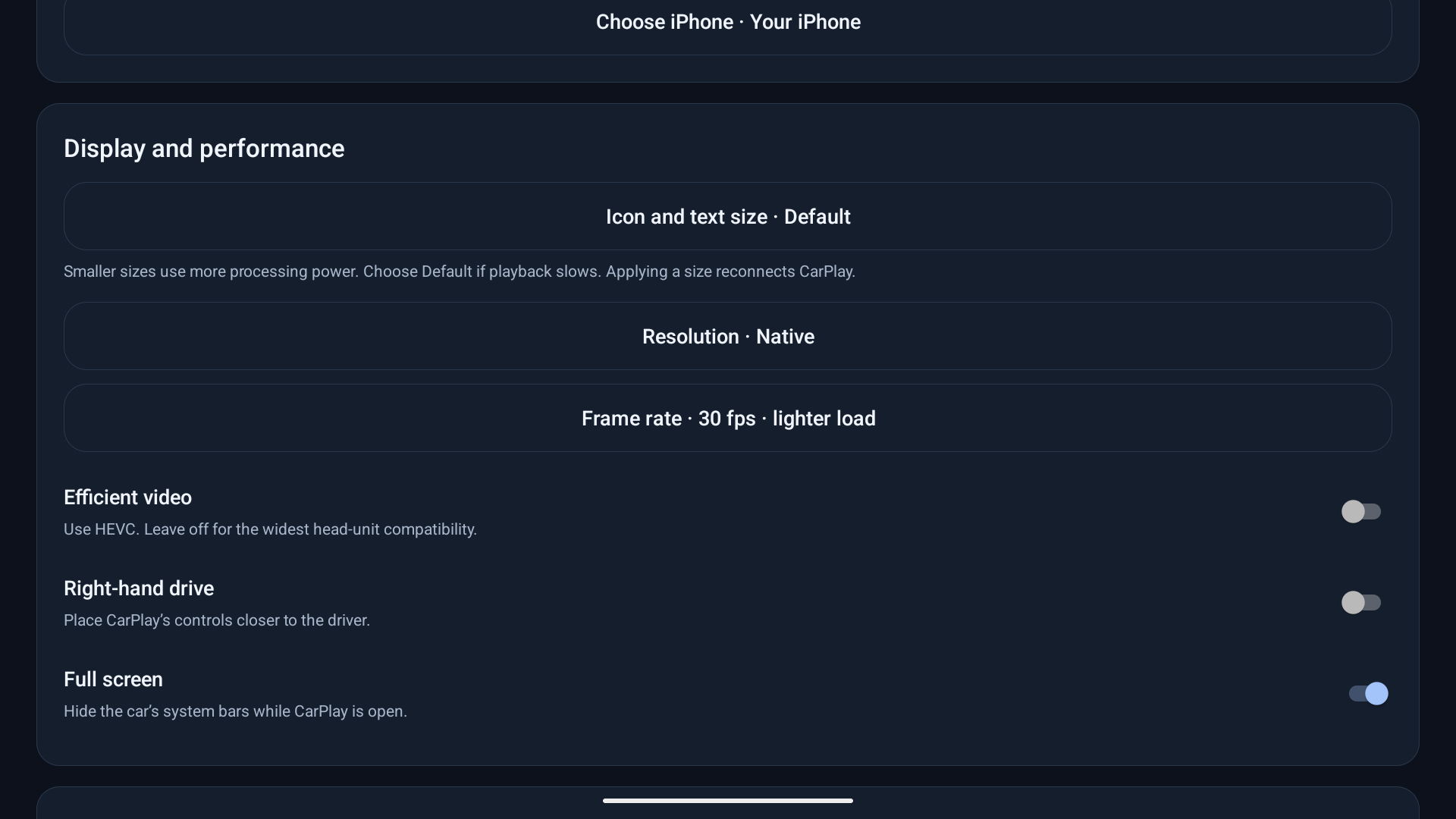
- Icon/text size, resolution and frame-rate controls; Apply reconnects CarPlay.
- Diagnostic reports saved locally for user-controlled sharing.
Before you try it
A public preview, not an Apple-certified product. Authentication uses an experimental accessory identity recovered from public firmware; future acceptance is not guaranteed. Some head units still show stuttering or ignore icon-size changes. Start with 30 fps and HEVC off; try a lower resolution if needed.
Get release updates
News and new builds on Telegram.
Updates & signing
Version 0.1.0 uses the same signing key as the DiPlay private betas. Install over your existing copy to preserve settings. Source, build instructions and APK checksums accompany the release.